Find issues in the bid set before they become RFIs or rework.
Check drawings and specifications for scope gaps, missing details, and coordination conflicts. Resolve issues with the design team before work starts on site.
Corridor clear width below 44 in. minimum
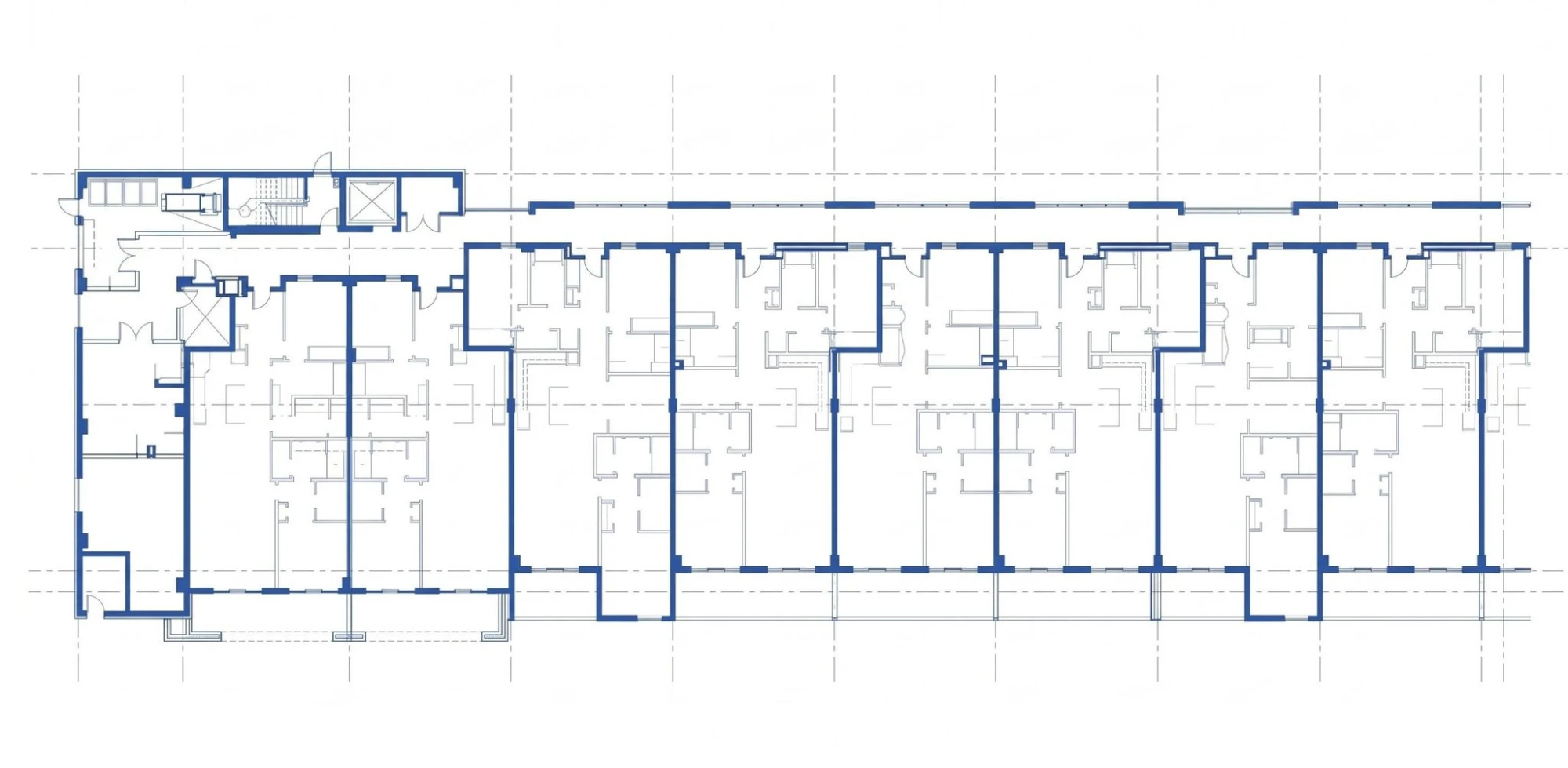
Corridor too narrow for its occupant load
Corridor is 36 in. clear and serves 60 occupants. CBC Table 1020.3 requires 44 in. at 50 or more.
Widen to 44 in. clear and check door swings against CBC 1005.7.1.
Corridor too narrow for its occupant load
Corridor is 36 in. clear and serves 60 occupants. CBC Table 1020.3 requires 44 in. at 50 or more.
Widen to 44 in. clear and check door swings against CBC 1005.7.1.
4 issues found on A-201
Select a ticket to see its location and recommendation.
From drawing set to actionable review
Upload the package
Upload drawings, specifications or other project documents manually, or connect to where they live in Autodesk Forma or Procore.

100% DD Architectural Set.pdf
128 sheets · 214 MB · Revit

Structural Set.pdf
74 sheets · 96 MB · Procore
Project Specifications.docx
Supporting document
AI reviews everything
Coordination, compliance and constructibility problems are surfaced across the entire package in a single pass, no matter where they occur.
- Cross-sheet coordinationComplete
- Code and accessibilityComplete
- Specs and schedulesComplete
- Firm standardsRunning
Resolve findings in context
Issues are marked up directly on your documents with relevant citations, making resolution simpler and faster.
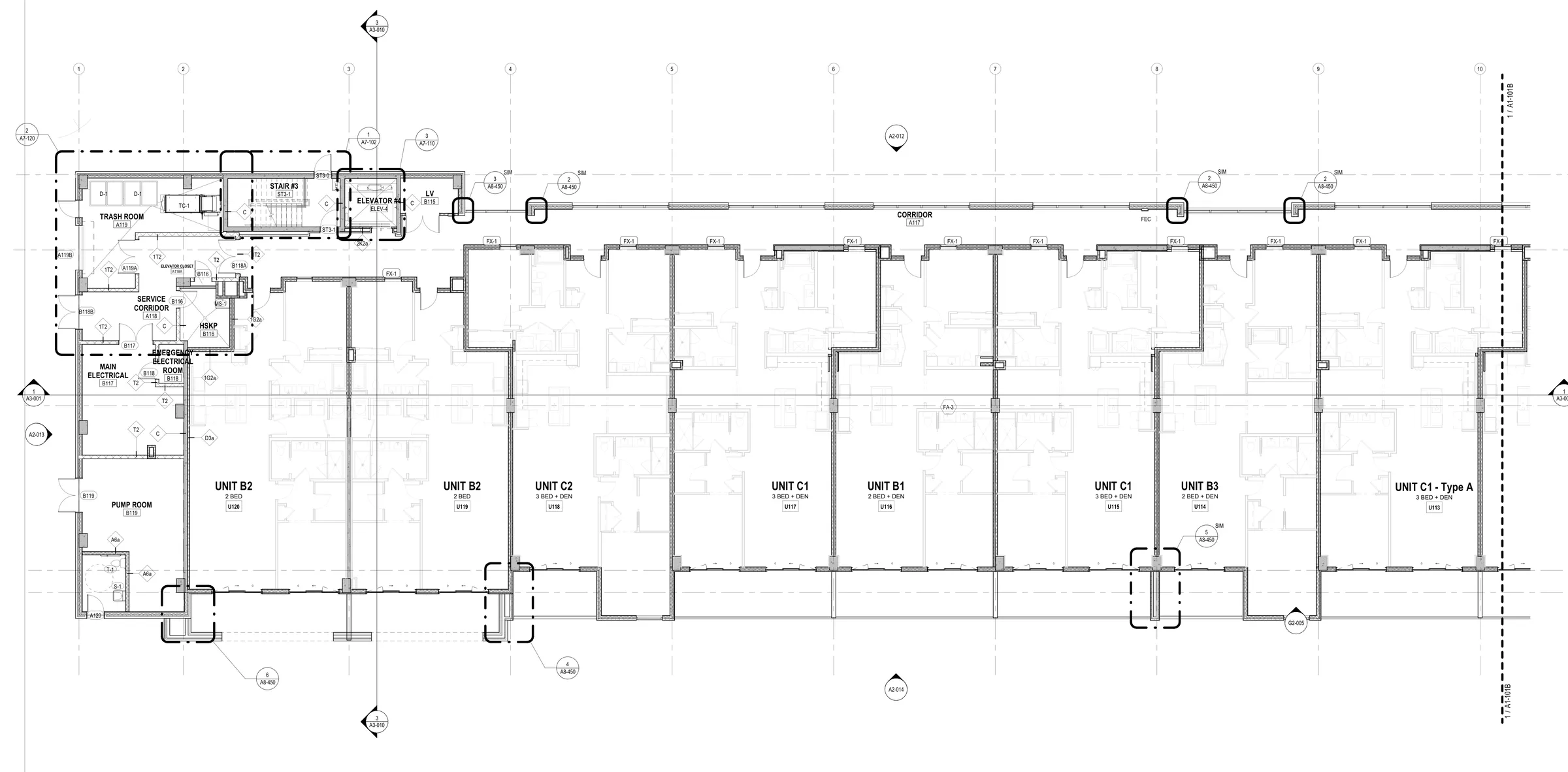
Door D16 vision lite sill above accessible max
ICC A117.1 §404.2.10 · lower lite to 3'-7" or less
Turn bid-set uncertainty into questions the team can answer.
A contractor reads drawings for scope, sequence, and constructibility across trades. Reviewing the package together can reveal conflicts that are difficult to catch while estimating one discipline at a time.
Check what the documents actually say
Compare plans, schedules, details, and specifications when an assembly or requirement appears inconsistent. A finding tied to its source pages helps the estimator or project manager understand the discrepancy before raising it with the design team.
Prioritize preconstruction questions
Scope gaps and missing details can become bid qualifications, RFIs, or field rework if they stay unresolved. Use the review to assemble a focused question list and decide which items need clarification before procurement or construction starts.
Route decisions to the responsible professional
Archiboost highlights possible conflicts; it does not issue design direction. Confirm constructibility and code findings with the architect, engineer, specialty trade, or authority responsible for the final decision, then record the resolution in the project workflow.
Comprehensive review across contract document packages
Archiboost checks entire packages, not just individual pages, finding conflicts across drawings, schedules, specifications, codes and custom project standards, so problems are fixed before they become rework.
Drawing coordination
Coordinate minimum door head height with structural brace frame elevations.
Code compliance
Provide safety glass at all doors and adjacent lites within 24 inches and above 60 inches.
Firm standards
Reduce ADA ramp slopes to 7.5% to ensure built result is within construction tolerances.
Specifications & materials
Provide Electro Static Discharge (ESD) flooring in all IDF rooms to prevent damage to telecom equipment.
 Archiboost
Friday evening
Latest consultant drawings arrive
Revit model
Extract model data
Archiboost
Check for coordination issues
Monday morning
Coordination report ready
Issues linked to source drawings
A weekly coordination report, ready Monday.
Every Friday evening, Archiboost collects the latest consultant drawings and extracts your Revit model. It checks the full set for cross-discipline coordination issues, then sends your team a report Monday morning with findings linked to the source drawings.
What teams are finding with Archiboost
Drawing sheets reviewed
Compliance, coordination and constructibility issues identified
“I'm very impressed with the analysis. It hasn't just caught coordination errors, it's also found potential code compliance issues and things that actually need to be addressed. Things like thermal bridging that are difficult to tease out and show an expert level of understanding.”

“It found all the typical electrical coordination items I had missed. A rogue exhaust fan that needed power that I didn't find.”

What to expect from a review
How does this make review easier?
The review brings possible issues and their source sheets into one place. Your team can verify findings, prioritize them, and move confirmed changes into its markup or Revit workflow.
How is it different from a general chatbot?
It is built for drawing sets and specifications: it compares information across sheets, points to the source of a finding, and supports a review workflow rather than a standalone chat answer.
Do we still need a human reviewer?
Yes. Archiboost supports QA/QC; it does not replace the architect of record. Architects and project teams assess the findings and remain responsible for the professional review and final decisions.
Can it handle code exceptions or variance requests?
It can surface code concerns and citations for your team to investigate. Confirm the applicable jurisdiction, interpretation, exceptions, and any variance strategy with your code specialist or authority having jurisdiction.